Independent browser tools
Useful tools.
Less setup.
Useful things you can do right in your browser. Our first tool gets everyone into the group photo.
Free to use · No app · No account
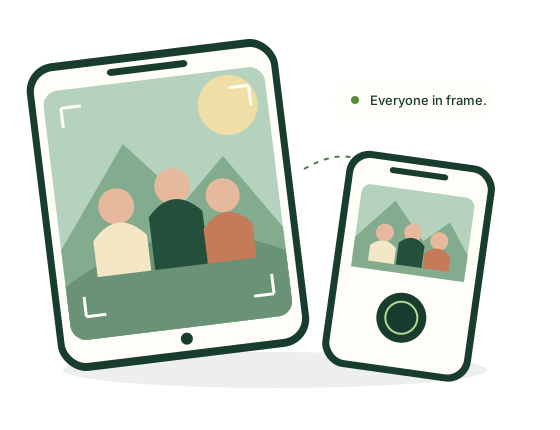 AllInFrame · illustration
The first tool in the collection
AllInFrame
Photo & everyday moments
Take the group photo.
Be in it, too.
One phone is the camera. The other shows the live view and takes the photo. Set up, scan a QR code, and join your friends.
Open AllInFrameBoth phones need internet. Keep both screens on.
Getting started
From two phones to one photo.
Turn on the camera.
On the phone facing the group, choose Be the camera, then Turn on camera. Allow camera access.
Connect the other phone.
Use its normal Camera app to scan the QR code. Open the link, compare the codes, then tap Yes, connect on the camera phone.
Take it. Save it.
Check the live view, choose a timer and tap Take photo. Save or download your photo before taking another.
A little help
Make the first photo easy.
Short guides for setup, framing and saving.
A group photo with two phones
Connect the phones, take the shot and save it. Includes connection tips.
Read the guide PHOTO SETUPA steady place for your phone
Check height, grip and stability before choosing a support or tripod.
Read the checklistMade by Patrick Astoul
A small collection, built with care.
I’m an independent maker based in France. Astoul Tools starts with AllInFrame, with clear instructions and room for other useful tools.